



Overview
Open Graph metadata does not change the page content itself, but it directly influences how the page is presented when someone shares it. In practice, it affects perceived quality, message clarity and the page ability to generate interaction outside the website itself.
What to configure
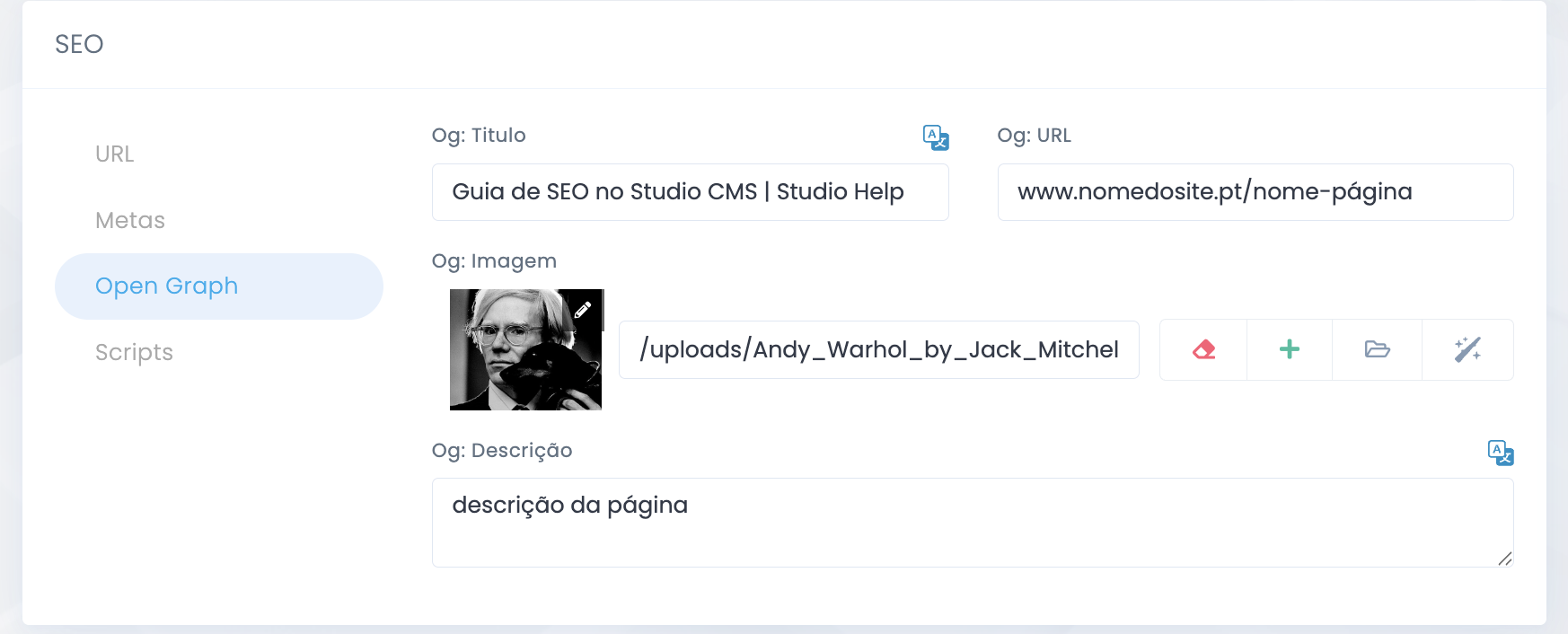
Essential fields
og:title
Defines the page title when it appears in a share preview. It should be clear, specific and coherent with the content.
og:description
Presents a short summary that contextualizes the page and helps increase the motivation to click.
og:image
This is the featured image for the share. It carries strong visual weight and should reinforce identity, legibility and context.
Consistency
Open Graph should align with the meta title, description and the real promise of the page so the share preview does not feel misleading.
Image best practice
Recommended size
- Use images with a minimum size close to 1200x630px for an optimized presentation on social media.
- Avoid images with text that is too small, because it tends to lose legibility in preview cards.
- Ensure enough contrast and a composition that stays clear even when the platform applies cropping or automatic adjustments.
Explore also
Related pages