



Overview
In Studio, E-commerce should be read as an integrated system and not just as “the orders area”. Each part influences the buying experience, operational control, result interpretation and the team’s ability to adjust the store based on real business data and rules.
How this area should be understood
More than catalogue and checkout
Daily operation
It includes reading carts, managing orders, updating statuses, reviewing deliveries and following up on payments.
Commercial setup
It involves defining shipping, discounts, campaigns and other rules that influence final price, purchase incentive and commercial margin.
Strategic reading
The dashboard and indicators help the team understand what is converting, where the blockers are and which decisions should be reviewed.
Main areas inside the module
Functional reading of the menu
Monitoring areas
- Sales dashboard
- Carts
- Orders
Configuration areas
- Shipping
- Discounts
- Campaigns
Each of these areas answers a different question: what is happening, what can be adjusted and where the store is gaining or losing efficiency.
General view of E-commerce in Studio
Starting point for reading the operation
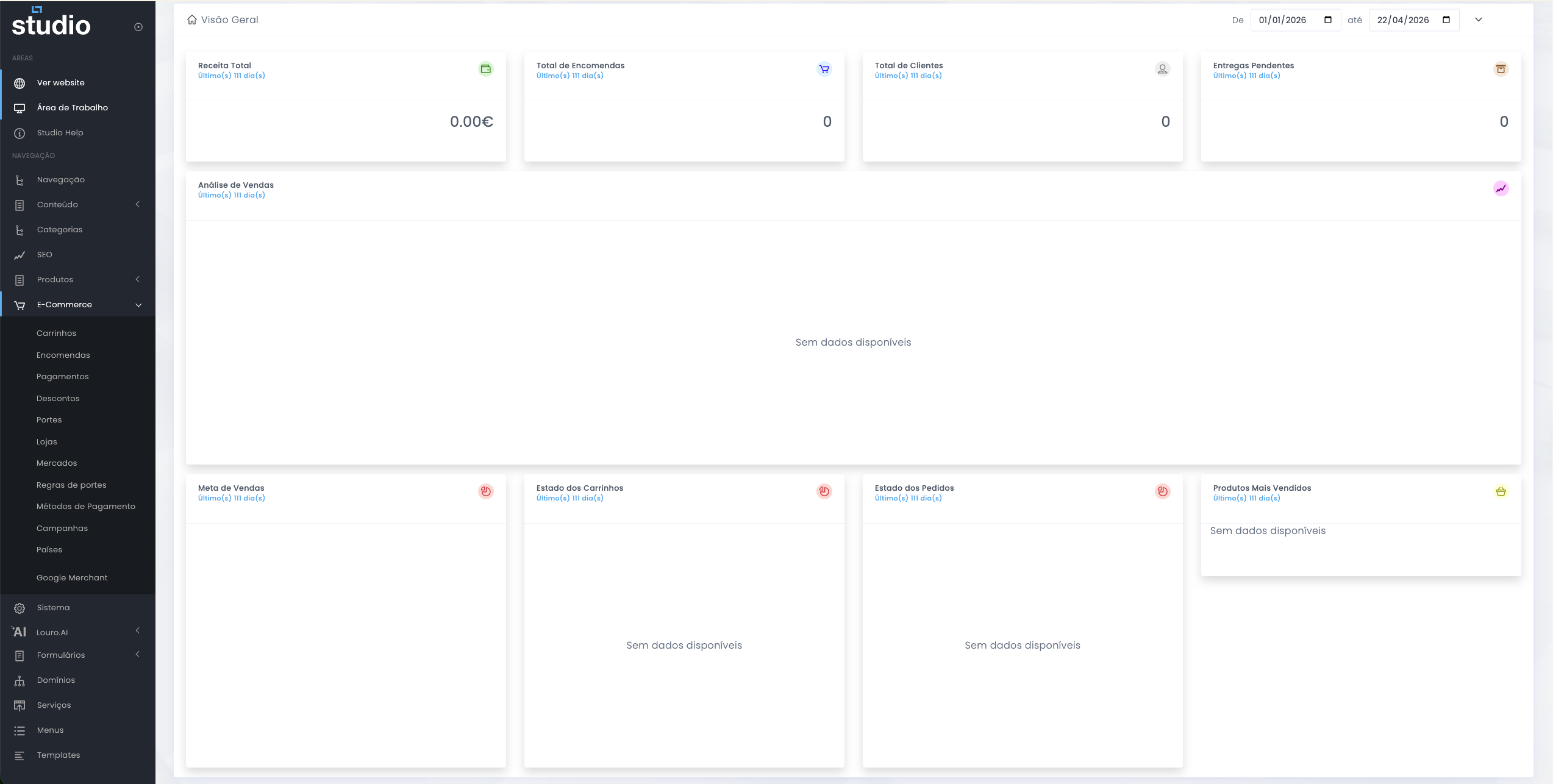
Why this view matters
It helps the team quickly understand whether there are signs of operational issues, lack of sales, delivery backlog or unusual behaviour in the commercial cycle.
How it should be read
More than looking at isolated numbers, the goal is to cross-reference revenue, orders, customers, carts and deliveries to understand the context.
Relationship between the areas
How the purchase journey connects
1. The customer adds products to the cart
This is where the first signs of purchase intent begin, along with the first friction points before conversion.
2. Checkout combines commercial rules
Shipping, discounts and campaigns come into play at this stage and can directly influence the final value and the decision to continue or abandon.
3. The order moves into operation
After conversion, the store moves into the operational phase: confirming payment, updating statuses, preparing shipping and tracking delivery.
4. The dashboard closes the cycle
The aggregated indicators help show whether the defined rules and processes are working as expected or need to be reviewed.
Cross-cutting good practices
Foundation for a consistent operation
- Keep naming consistent across campaigns, discount rules, shipping rules and operational statuses.
- Test everything that changes final price, checkout behaviour, vouchers or promotional conditions.
- Avoid unnecessary rule overlap that may create confusing backoffice readings or unexpected storefront results.
- Always validate the impact on the frontend and checkout, not just the visible setup in the backoffice.
- Review expired campaigns, old rules, disabled shipping rules and outdated statuses on a regular basis.
Explore also
Next pages in this area