



Overview
Editing a domain is not just about changing a label. In many cases, that review affects other lists, forms, integrations or components that depend on the same structure. Because of that, this area should be maintained with a functional reading, not only a visual one.
What is worth reviewing in a domain
Read before editing
Naming
The internal name and language-specific names should remain clear for the team and coherent with the actual purpose of the list.
Technical fields
Codes, webservices, statuses and structural relationships should be reviewed whenever the project logic changes.
Associated values
It is also important to confirm whether list items are still valid, whether duplicates exist and whether the structure still makes sense.
Edit the main domain structure
Reopen the base entity
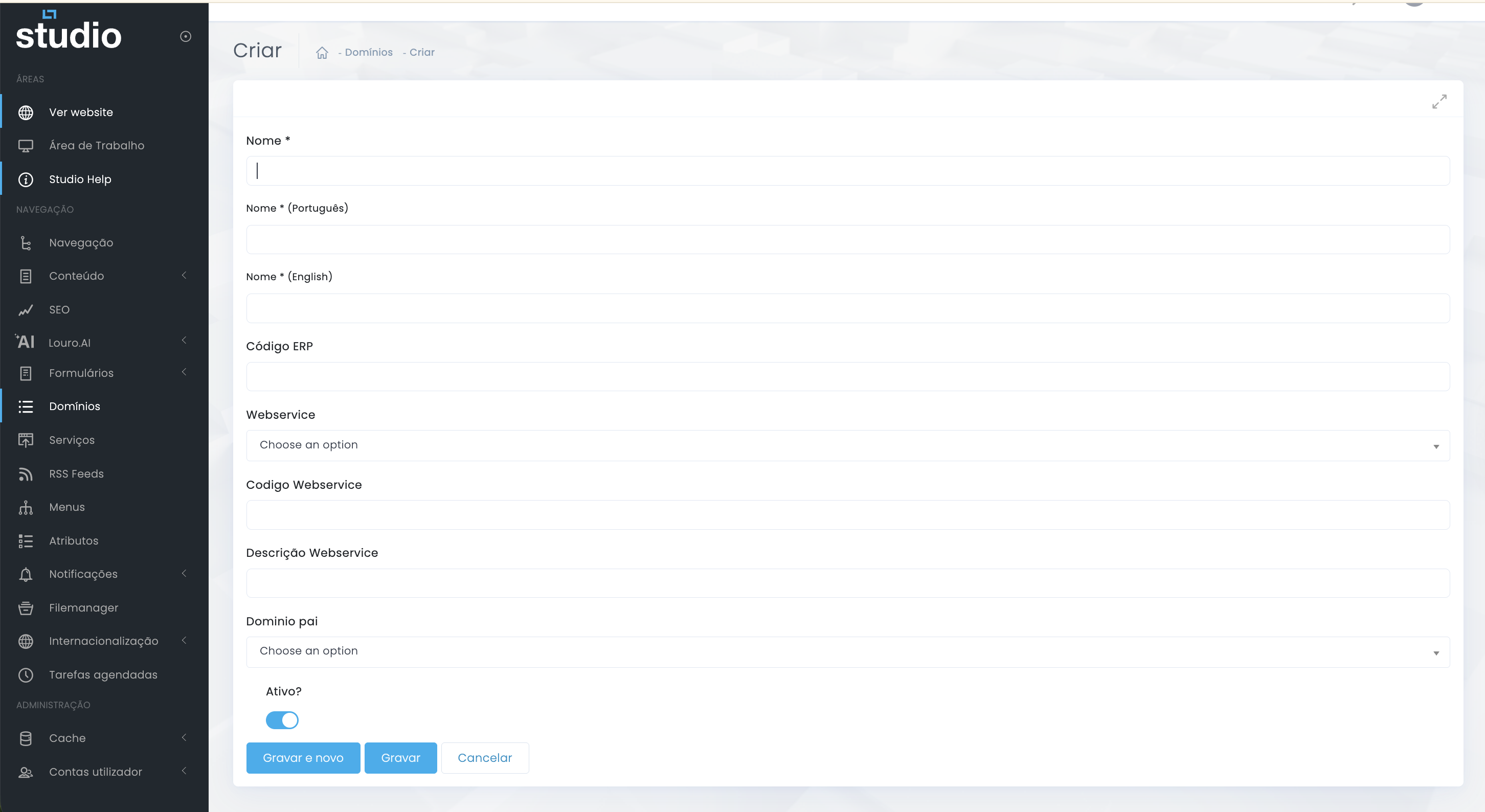
- Update internal names or language-specific names only when the change improves the functional reading of the list.
- Review technical codes and integrations when the data source or the operational logic of the domain changes.
- Confirm the active/inactive status so the structure is only exposed when it is ready for real use.
- If there is a parent domain, validate whether the relationship still matches the current project structure.
Manage the associated values
Add, review and clean items
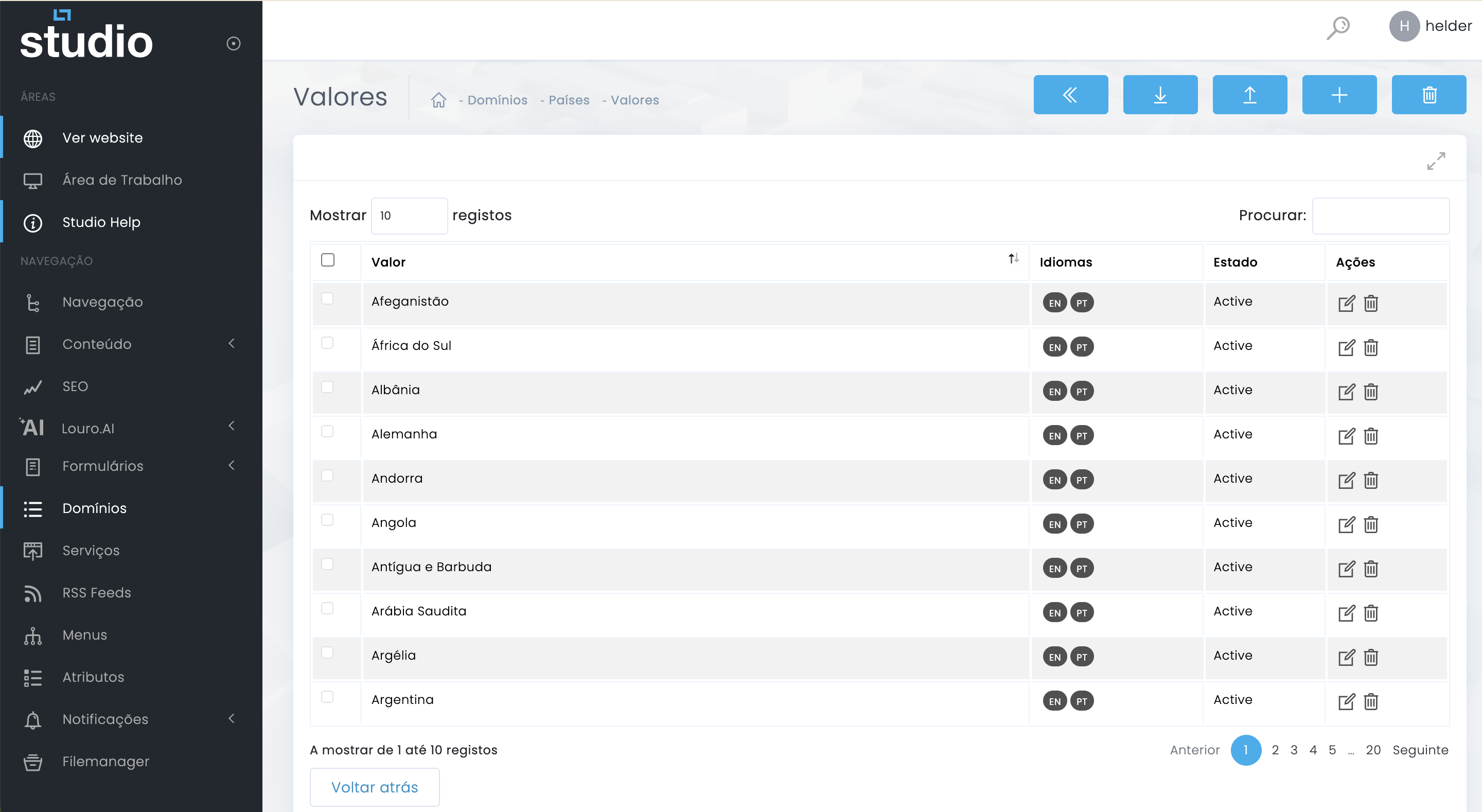
Add or correct
When new options enter the process, you can add values or correct names that no longer reflect the current functional reality.
Remove or consolidate
If there are repeated or obsolete items, maintenance should simplify the list without compromising existing dependencies.
Validate impact before saving
Critical maintenance step
1. Confirm where the list is used
Before editing, try to understand whether the domain is linked to forms, filters, integrations or other structures already in production.
2. Validate impact on values
A small change in a name, status or relationship can affect list behavior in other parts of the system.
3. Save only when the impact is clear
When the impact is still unclear, the safest next step is usually to align first with the functional or technical team.
Explore also
Related content for this maintenance flow